
Introduction — why this guide matters
If you work from home, your workspace directly impacts your productivity, health, and creativity. In this first episode of the Remote Work Pro series, I’ll walk you through a practical, up-to-date plan to build a high-performance home office in 2026. You’ll get clear guidance on desks, chairs, monitors, lighting, audio, and ergonomics — plus specific product recommendations that are widely available and reliable.
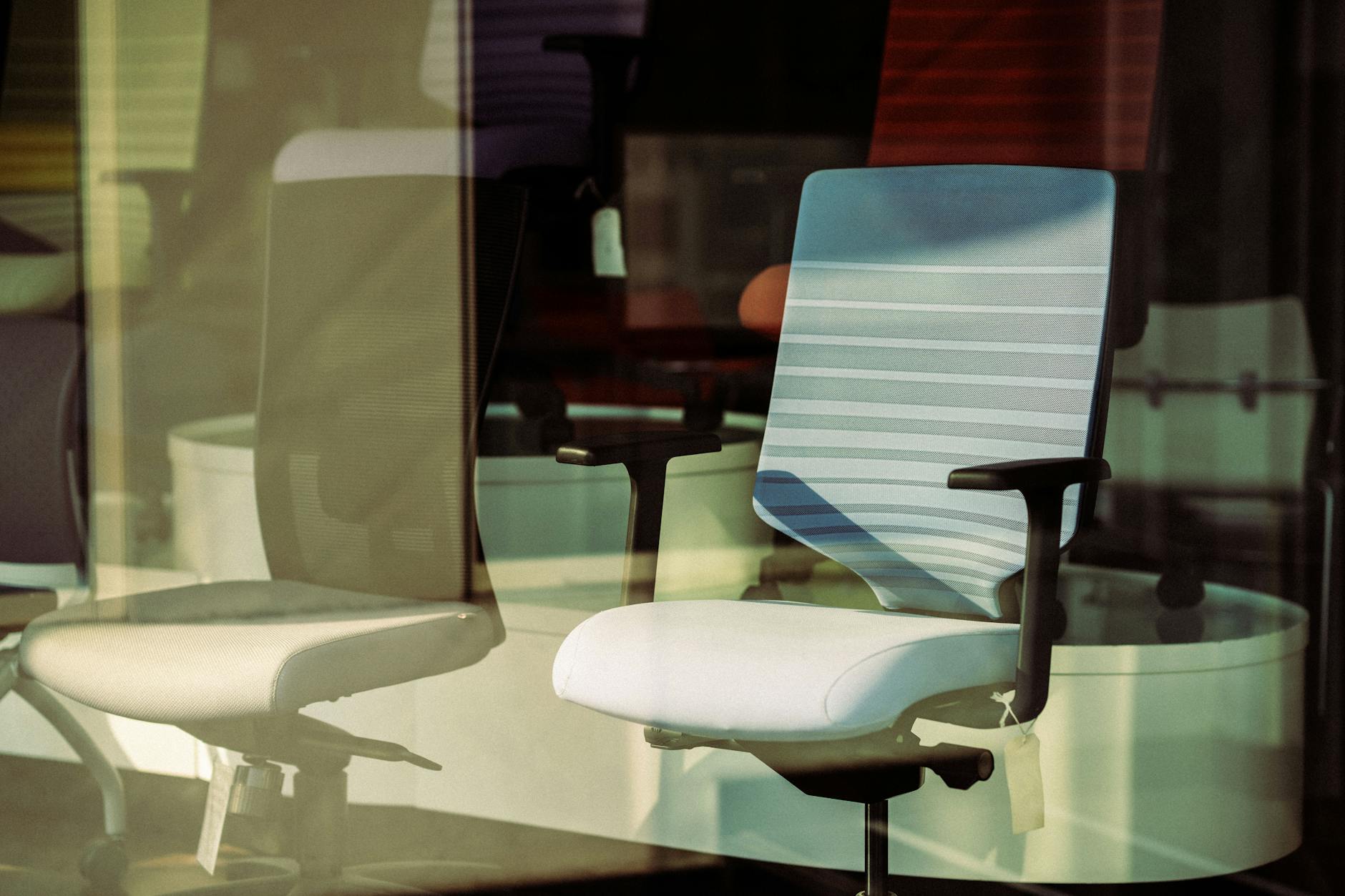
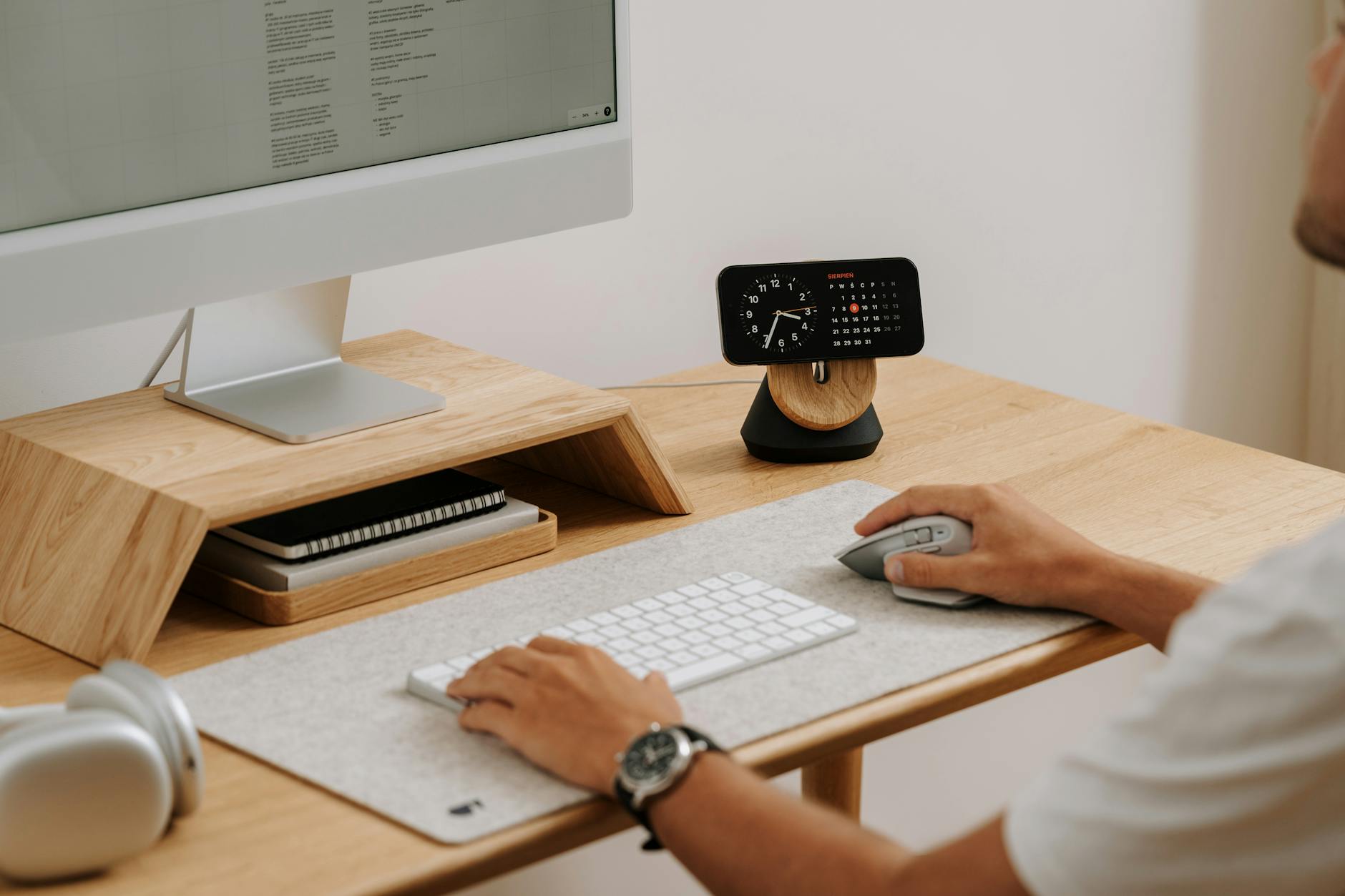
Photo by aboodi vesakaran on Pexels | Source
Start with the desk: choose the right platform
Your desk sets the foundation. For most people a height-adjustable standing desk delivers the best mix of health and flexibility.
Top picks:
- Uplift V2 Standing Desk — versatile, reliable motor system. Typical price range: $599–$1,099 depending on size and top options (as sold through Uplift Desk direct).
- Fully Jarvis Bamboo Standing Desk — strong frame with sustainable bamboo tops. Typical price range: $549–$899.
What to look for:
- Motor reliability (dual motors reduce wobble).
- Programmable height presets for quick sit/stand transitions.
- Top size that fits your monitors and peripherals (48–60" wide is common).
- Cable management options or add-on trays to keep clutter down.
Accessories:
- Anti-fatigue mat (great for standing sessions).
- Monitor arm(s) to free up desk surface and set monitor height correctly (Ergotron LX is a well-reviewed, durable choice).
Chair: invest in proven ergonomics
A good chair reduces fatigue and protects your back. For long-term daily use, spend on a chair with adjustable lumbar support, seat depth, and armrests.
Top ergonomic chairs:
- Herman Miller Aeron (Remastered) — iconic, highly adjustable, designed for long-term support. Typical price: $1,195–$1,495 depending on configuration.
- Steelcase Leap v2 — excellent adjustability and comfort for extended workdays. Typical price: $899–$1,199.
Key chair adjustments:
- Seat height and depth so your feet are flat and knees at ~90 degrees.
- Adjustable lumbar support to maintain the natural curve of your lower spine.
- Recline tension that supports you when leaning back while still engaging core muscles.
Budget-conscious options:
- Look for chairs with multi-axis armrests and adjustable lumbar support from reputable brands that offer warranty and parts availability.

Photo by MART PRODUCTION on Pexels | Source
Monitors: clarity, size, and connectivity
The right monitor setup improves comfort and focus. Consider your work type: coding and spreadsheets benefit from vertical space and higher resolution; design work favors color accuracy.
Single vs. dual vs. ultrawide:
- Dual 27" monitors are a productivity sweet spot for multitasking without overwhelming desk real estate.
- A 34" ultrawide (3440x1440) replaces dual monitors for wide timelines or multitasking without bezel interruptions.
Recommended models:
- Dell UltraSharp U2720Q (27", 4K, USB-C) — reliable color and USB-C connectivity. Typical MSRP historically around $600–$700.
- LG 34WN80C / LG 34WP65 (34" ultrawide, 3440x1440) — good for multitasking and creative work. Typical price range: $400–$700 depending on panel and curvature.
- For color-critical work, consider an IPS panel with factory calibration (look for sRGB/AdobeRGB coverage specs).
Connectivity tips:
- Prefer USB-C / Thunderbolt for single-cable laptop charging and display.
- Use a monitor arm to place the top of the screen at or slightly below eye level; the screen should be about an arm’s length away.
Lighting: soft, directional, and adjustable
Good lighting reduces eye strain and improves video call quality.
Main tools:
- Desk task light with adjustable color temperature (BenQ ScreenBar or similar screen-mounted lamps help reduce glare on monitors).
- Soft, diffused ambient light (Philips Hue White Ambiance bulbs let you tune color temperature through the day).
- A dedicated key light for video calls, like the Elgato Key Light or Key Light Air, for consistent, flicker-free illumination.
Practical setup tips:
- Aim for neutral-cool light (4000–5000K) during the day and warmer light (2700–3000K) in the evening.
- Position adjustable task lights to eliminate reflections and reduce contrast between the screen and surroundings.
Audio: clear voice, low background noise
Good audio equals fewer misunderstandings in calls and cleaner recordings.
Microphones:
- Shure MV7 — hybrid USB/XLR dynamic mic, excellent for voice with a typical price of about $249.
- Shure SM7B — studio-standard dynamic mic for broadcast-quality sound; requires an audio interface and potentially a preamp (typical price around $399 for the mic alone).
Headphones and speakers:
- Sony WH-1000XM5 — top-tier noise-cancelling headphones for focus and calls (typical price around $399).
- A compact studio monitor pair or a quality Bluetooth speaker for better audio during breaks and media.
Accessories:
- Pop filter and boom arm for mics to keep your desk tidy and reduce plosives.
- A small audio interface (Focusrite Scarlett Solo or similar) if you select an XLR mic like the SM7B.

Photo by Pramod Tiwari on Pexels | Source
Ergonomics and layout: small moves, big gains
Ergonomics isn’t only chairs and desks — it’s how you arrange and use your tools.
Quick checklist:
- Keyboard: keep it close so your elbows remain by your sides; a split or sculpted keyboard can reduce wrist strain (Logitech MX Keys is a reliable wireless option).
- Mouse: use a comfortable shape that supports your hand (Logitech MX Master 3S is a popular ergonomic choice).
- Monitor height: top third of the screen at eye level or slightly below; tilt so no glare hits your eyes.
- Sit/stand cadence: use 30–60 minute sit/stand intervals rather than extreme schedules. Use reminders or desk presets.
- 20-20-20 rule: every 20 minutes, look at something 20 feet away for 20 seconds to reduce eye strain.
Cable and workflow management:
- Route cables under the desk with trays or channels.
- Use a docking station for laptops (CalDigit, Anker, and others make compact, reliable docks) so your peripherals stay connected with one cable.
- Keep frequently used items within arm’s reach; store seldom-used items in drawers.
Putting it all together — a sample build
- Desk: Uplift V2 60" with cable tray ($699 typical).
- Chair: Steelcase Leap v2 with adjustable lumbar ($999 typical).
- Monitors: Dual Dell UltraSharp U2720Q with Ergotron dual arm ($600 each + $180 arm).
- Audio: Shure MV7 USB mic + Sony WH-1000XM5 headphones ($249 + $399).
- Lighting: BenQ ScreenBar + Elgato Key Light Air ($109 + $129).
- Ergonomics: Anti-fatigue mat, cable tray, CalDigit USB-C dock ($100–$200 each).
This configuration balances ergonomics, audio clarity, and high-quality displays without leaning into niche, costly studio setups. Adjust model choices to match your budget and work requirements.
Next steps and maintenance
- Test and iterate: live with your setup for a week and note discomfort or workflow friction points.
- Keep firmware and drivers updated for monitors, docks, and audio devices to maintain stability.
- Replace consumables (desk mats, wrist rests) every 12–24 months depending on wear.
Wrap-up — what’s coming next in this series
In upcoming episodes I’ll deep-dive into: Episode 2 — Video calls and lighting setups; Episode 3 — Productivity software and automations; Episode 4 — Security and backups for home offices; Episode 5 — Advanced ergonomics and long-term health habits. Stay tuned.
Quick recap — the essentials
- Invest in a height-adjustable desk and a proven ergonomic chair.
- Choose monitors and audio gear that match your workflow (USB-C docks simplify connections).
- Prioritize adjustable, flicker-free lighting and a good mic/headphone combo for clear calls.
- Focus on ergonomics and cable management to reduce daily friction.
Make one upgrade at a time and measure the impact. Small, focused changes compound into a more productive and comfortable workday.
Frequently Asked Questions
How much should I budget for a solid home office setup?
A reliable, comfortable setup can range from about $1,200 for a basic ergonomic set (mid-range desk, chair, monitor) to $3,000+ for top-tier monitors, chairs, and audio. Prioritize chair and desk first.
Do I need an external microphone if I have laptop audio?
Yes — a dedicated microphone (like the Shure MV7) significantly improves clarity and reduces background noise compared with most built-in laptop mics, which is valuable for frequent calls or recordings.
Is a standing desk really worth it?
For many people, a height-adjustable desk is worth the investment because it encourages movement and reduces sedentary time. The health benefits come from regular sit/stand changes rather than standing all day.
How do I reduce eye strain from monitors?
Use proper monitor height and distance, enable night/light modes or adjust color temperature through the day, follow the 20-20-20 rule, and use desk lighting that reduces screen glare.


