

Introduction: Why digital minimalism matters
If you read our earlier episodes in the Daily Hacks series, you know we value intentional focus. As we covered in Episode 1 (Deep Work Techniques), long stretches of concentrated work are where real impact happens. But unwanted digital noise steals that focus. Digital minimalism is the practice of trimming tech friction so you spend attention only on what matters. This episode gives a practical, step-by-step guide: phone decluttering, app audits, notification management, and building intentional technology habits to reduce screen time and get more done.
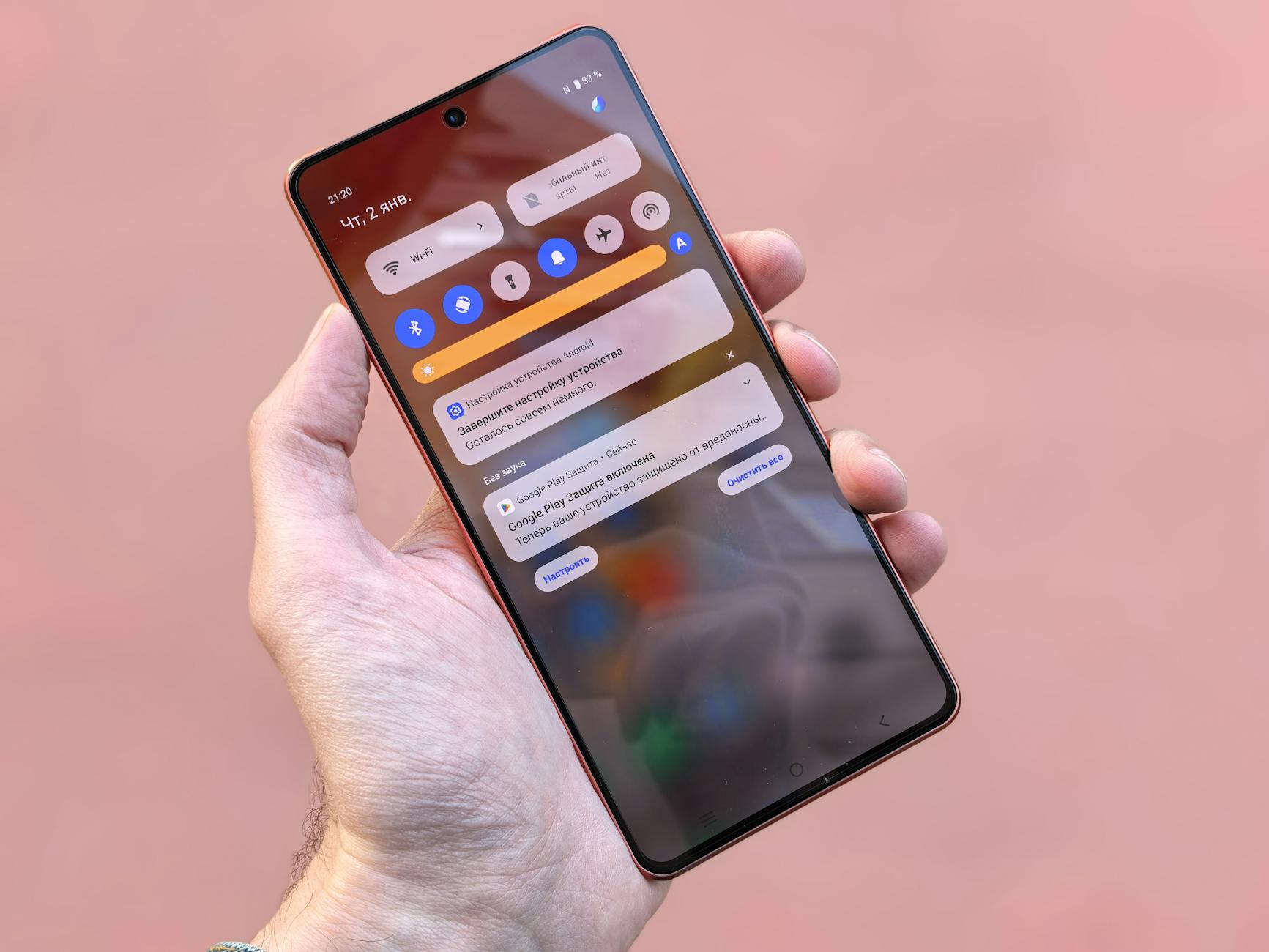
Photo by Andrey Matveev on Pexels | Source
Start with a phone declutter: quick wins you can do today
Your phone is the most persistent source of distraction for most people. A 20–30 minute declutter session will pay dividends.
- Create a clean home screen. Move only essential apps to your first page: phone, messages, calendar, and your main productivity app (calendar or task manager). Hide everything else in folders or remove them from the home screen entirely.
- Uninstall unused apps. If you haven't opened an app in 30 days, consider deleting it. You can always reinstall later; deleting reduces temptation.
- Reduce social visibility. Move social media apps into a folder deep in the app library or uninstall them and access via the browser when needed.
- Replace visual clutter with utilitarian widgets. Use a single calendar or habit widget rather than multiple colorful widgets that demand attention.
Quick checklist:
- Only 4–8 apps on primary screen.
- No social apps accessible in one tap.
- Home screen wallpaper is simple and low-contrast.
These steps give you immediate sensory relief and reduce reflexive checking.
App audit: decide which apps earn space in your life
An app audit is a short systematic review so you can make intentional choices rather than emotional ones.
How to run an app audit (30–45 minutes):
- Export or list installed apps (Settings > General on iOS; Settings > Apps on Android).
- For each app, ask three questions:
- Do I use this to accomplish a real goal? (work, family, health)
- Does it add measurable value or joy?
- Could I replace it with a simpler tool?
- Triage into three piles: Keep, Archive (off home screen), Remove.
Tips:
- Combine similar tools. If you use multiple note apps, pick one and migrate essential notes.
- Archive apps you use weekly rather than daily; uninstall those used less than monthly.
- For subscriptions, check billing (App Store, Google Play, or vendor) and cancel services you don’t actively use.
Notification management: reclaim attention with rules
Notifications are engineered interruptions. The goal: let only the most important alerts through.
Practical notification rules:
- Turn off non-essential notifications (likes, follower alerts, promotional emails).
- Use Quiet Hours / Do Not Disturb during deep work and sleep (iOS 19 and Android 16 have refined schedules). Customize exceptions for family or urgent contacts.
- Use priority channels. On Android, set specific channels to high priority; on iPhone, use Focus modes to allow apps/people selectively.
- Batch non-urgent notifications. Configure email push to manual or scheduled fetch (e.g., every 2 hours).
Example Focus setup (5 minutes):
- Create a "Work" Focus (iOS/Android Focus modes).
- Allow only Calendar, Messages from key contacts, and your task app.
- Auto-enable based on location, time, or when certain apps launch.
These small rules reduce reactive behavior and restore control over when you respond.

Photo by Jessica Lewis 🦋 thepaintedsquare on Pexels | Source
Intentional technology use: replace habits with systems
Minimalism isn’t deprivation — it’s intentional behavior. Replace impulse with systems that support goals.
- Time-box recreational tech. Use tools like Focus sessions (on-device Screen Time or Digital Wellbeing) to set daily limits for social media. Built-in tools are free and effective: iPhone Screen Time (iOS 19) and Android Digital Wellbeing (Android 16) provide daily limits and app usage reports.
- Schedule "tech-free" blocks. Make two or three daily windows—morning routine, focused work block, and evening—where screens are minimized.
- Practice single-tasking. Keep one active screen task at a time and close or quit background apps that tempt you.
- Use blockers sensibly. Third-party blockers (RescueTime, Freedom, and Forest are popular options) can support your limits; many offer free tiers and paid plans. Pricing and features change, so check vendor sites for current plans.
Build habits around these systems: each week audit your Screen Time report and adjust limits. Little course corrections compound fast.
Workflows to reduce overall screen time
Here are workflows you can adopt today to see measurable reductions in screen time:
- Morning 60: Resist checking your phone for the first 60 minutes after waking. Use this time for your morning routine (see Episode 4: Morning Routines).
- Inbox windows: Apply principles from Episode 2 (Inbox Zero) and check email at scheduled times only, not constantly.
- Single deep focus slot: Combine Pomodoro-style sessions (see Episode 3) with a strict device policy—phone out of reach or in another room.
- Weekly app review: Spend 10 minutes each Sunday reviewing top time drains and adjusting limits.
Tools and features to help (what to try)
Built-in features:
- iPhone Screen Time (iOS 19): App limits, Downtime, Focus modes, and detailed activity reports.
- Android Digital Wellbeing (Android 16): Dashboard, Bedtime mode, and app timers.
Third-party tools worth exploring (features change; check current plans):
- RescueTime: Automatic activity tracking and distraction blocking with a web dashboard.
- Freedom: Cross-device site and app blocking sessions.
- Forest: A gamified focus timer that rewards uninterrupted sessions.
Remember: tools are aids, not cures. The real change is in the rules and routines you commit to.
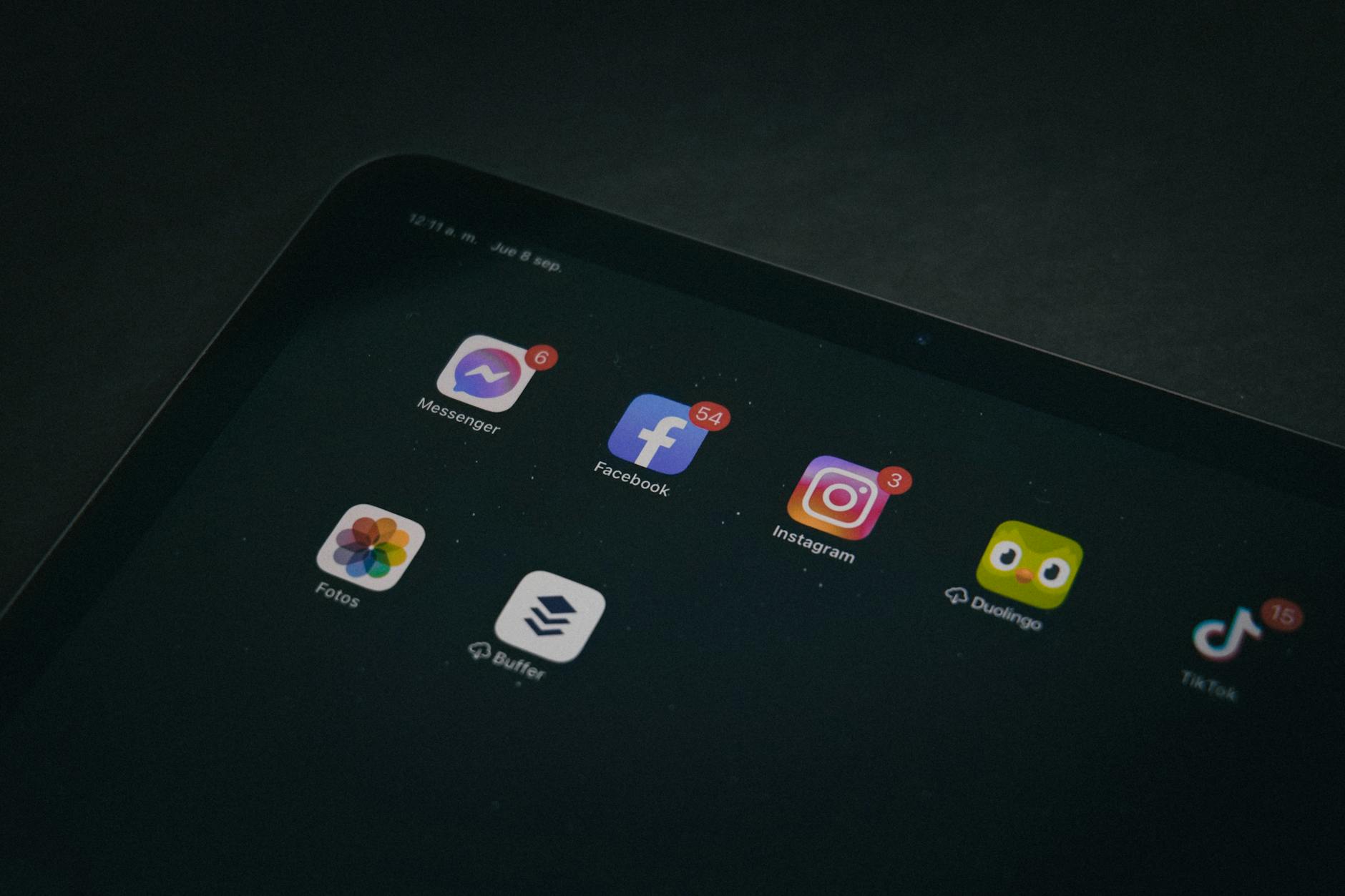
Photo by Luis Quintero on Pexels | Source
Measuring progress and staying consistent
How will you know this is working? Track three metrics for 4 weeks:
- Average daily screen time (from Screen Time or Digital Wellbeing).
- Number of phone pickups per day (check device metrics where available).
- Number of uninterrupted deep work sessions achieved per week.
Review these metrics weekly. Celebrate declines in pickups and increases in focused time. If you plateau, tighten rules: shorten social windows or increase scheduled focus blocks.
Final checklist: a 7-day minimalism bootcamp
Day 1: Home screen declutter and uninstall. Day 2: App audit and subscription cleanup. Day 3: Set up Work and Personal Focus modes. Day 4: Schedule email windows and set app limits. Day 5: Implement two tech-free blocks (morning + evening). Day 6: Use a blocker during one deep work slot. Day 7: Review metrics and adjust.
Follow this bootcamp and combine it with techniques from Episode 1 (Deep Work) and Episode 3 (Pomodoro) to maximize results.
Wrap-up: Minimalism as a productivity multiplier
Digital minimalism isn't about removing fun; it's about creating margins for high-value activity. By decluttering your phone, auditing apps, controlling notifications, and using technology intentionally, you'll reduce reactive time and increase focused time. Start small, measure, and iterate—your attention is a stackable resource. Make the rules, and your tools will serve your goals, not the other way around.
FAQ
Q: How long before I see results from digital minimalism? A: Most people notice fewer interruptions within a few days and measurable screen-time reductions in 1–2 weeks. Lasting behavior change typically takes 3–4 weeks of consistent rules.
Q: Will deleting apps hurt my productivity if I need them later? A: No — uninstalling is reversible. If an app proves useful, reinstall it intentionally and document the specific use case so you avoid reinserting friction.
Q: What if I share devices with family and can't change settings freely? A: Use user profiles, guest modes, or family-focused controls like Google Family Link and Apple Family Sharing to apply limits without affecting others.
Q: Are third-party blockers necessary? A: Not always. Built-in tools like Screen Time and Digital Wellbeing are powerful. Third-party blockers add cross-device syncing and extra features, which can help if you need stricter enforcement.
Q: How do I stick to tech-free blocks in social situations? A: Communicate your boundaries. Let close contacts know your focused hours and set expectations. Use physical cues (phone in a drawer) and short auto-reply messages for callers during focus periods.
Frequently Asked Questions
How long before I see results from digital minimalism?
Most people notice fewer interruptions within a few days and measurable screen-time reductions in 1–2 weeks. Lasting behavior change typically takes 3–4 weeks of consistent rules.
Will deleting apps hurt my productivity if I need them later?
No — uninstalling is reversible. If an app proves useful, reinstall it intentionally and document the specific use case so you avoid reinserting friction.
What if I share devices with family and can't change settings freely?
Use user profiles, guest modes, or family-focused controls like Google Family Link and Apple Family Sharing to apply limits without affecting others.
Are third-party blockers necessary?
Not always. Built-in tools like Screen Time and Digital Wellbeing are powerful. Third-party blockers add cross-device syncing and extra features, which can help if you need stricter enforcement.
How do I stick to tech-free blocks in social situations?
Communicate your boundaries. Let close contacts know your focused hours and set expectations. Use physical cues (phone in a drawer) and short auto-reply messages for callers during focus periods.


