
Galaxy S26 Now Nudge vs Pixel Magic Cue: What Android Users Need to Know
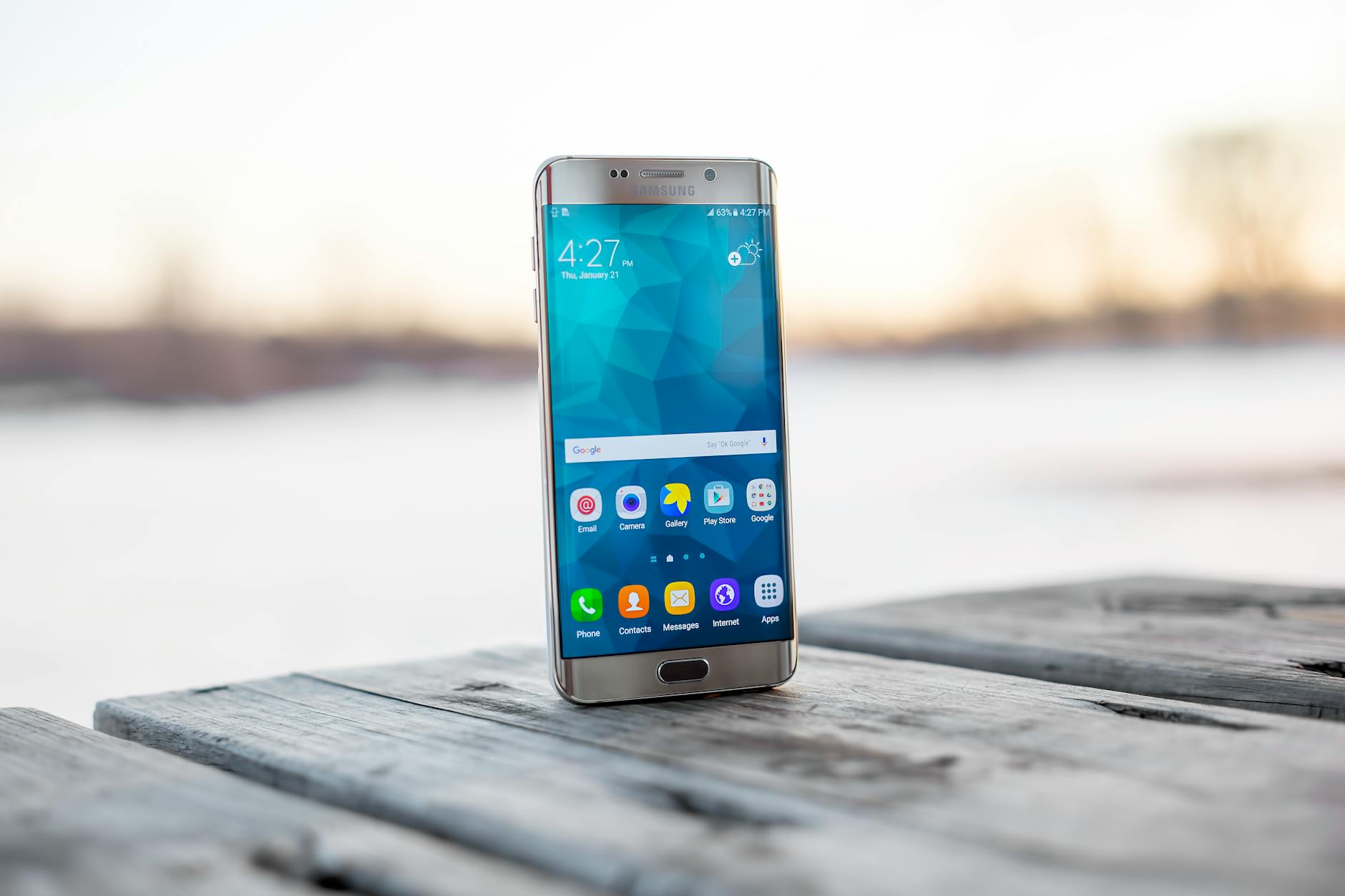
Samsung's newly launched Galaxy S26 series has introduced a suite of artificial intelligence features designed to compete directly with Google's Pixel lineup. Among these, the so-called Now Nudge feature has drawn significant attention — and some criticism — from the Android community this week. According to reporting by 9to5Google, Now Nudge operates in a strikingly similar fashion to Google Pixel's Magic Cue functionality, but with one notable and controversial caveat: users are required to use Samsung's proprietary keyboard to access it.
The revelation has sparked debate among tech enthusiasts and Samsung loyalists alike, raising questions about whether Samsung's implementation is genuinely innovative or simply a restricted imitation of an existing Google feature. Here is a detailed breakdown of what Now Nudge is, how it compares to Magic Cue, and why the keyboard requirement is proving to be a sticking point for many users.
Photo by Airam Dato-on on Pexels | Source
What Is Samsung Galaxy S26 Now Nudge?
According to 9to5Google's coverage published this week, Now Nudge is a Galaxy AI feature embedded within the Galaxy S26 series that proactively suggests relevant actions or information based on what a user is currently typing or viewing on their screen. For example, if a user is composing a message that references a dinner plan, Now Nudge may surface a restaurant recommendation or a calendar prompt without the user explicitly requesting it.
The feature is part of Samsung's broader push to integrate contextual AI assistance directly into everyday phone interactions, following the highly publicized Galaxy Unpacked 2026 event. Samsung has positioned Now Nudge as a hallmark of its Galaxy AI ecosystem, which also includes tools like live translation, generative editing, and the newly announced Galaxy Buds4 integration for audio-based AI prompts.
Key characteristics of Now Nudge, as reported:
- Trigger mechanism: Activates based on real-time text input detection
- Keyboard dependency: Exclusively functional through the Samsung Keyboard app
- Integration scope: Works across Samsung's native messaging, email, and productivity apps
- On-device processing: Samsung has indicated the feature leverages on-device AI models for privacy-conscious processing

Photo by Karolina Grabowska www.kaboompics.com on Pexels | Source
How Does Google Pixel's Magic Cue Compare?
Google's Magic Cue, available on Pixel devices, operates on a conceptually similar premise. The feature uses contextual awareness — drawing from what the user is doing on screen, including text they are composing — to surface timely suggestions, reminders, or shortcuts. Magic Cue is widely regarded as one of the more seamlessly integrated AI features on any Android device, largely because it works across multiple third-party keyboards, not just Google's Gboard.
This cross-keyboard compatibility is precisely where the two features diverge in a meaningful way, according to 9to5Google's analysis. On a Pixel device, users who prefer SwiftKey, Gboard, or other popular input methods can still benefit from Magic Cue's contextual nudges. On the Galaxy S26, however, Now Nudge is locked exclusively to the Samsung Keyboard, which has historically held a smaller share of active usage compared to competitors like Gboard among Android power users.
Here is a side-by-side look at the two features based on available reporting:
- Now Nudge (Galaxy S26): Requires Samsung Keyboard; deep integration with One UI 8; available on S26, S26+, and S26 Ultra
- Magic Cue (Pixel): Works across multiple keyboards; integrated into Android's native assistant layer; available on recent Pixel generations
- Contextual depth: Both features use on-screen content to generate suggestions, though Google's broader data ecosystem may provide richer contextual signals
- User control: Both features reportedly allow users to disable proactive suggestions through settings
Why the Samsung Keyboard Requirement Is Controversial
The decision to gate Now Nudge behind Samsung Keyboard has not gone unnoticed. According to community reactions cited in 9to5Google's reporting, a significant portion of Galaxy S26 early adopters expressed frustration at the restriction, particularly those who have used third-party keyboards for years and rely on features like swipe typing, custom autocorrect dictionaries, or accessibility tools built into alternative input apps.
From a business and ecosystem standpoint, Samsung's choice is not entirely surprising. Locking a marquee AI feature to a first-party keyboard incentivizes users to remain within Samsung's own software ecosystem — a strategy that mirrors Apple's approach of tying premium features to native apps. However, Android's longstanding identity as an open and customizable platform makes such restrictions feel more jarring to its user base.
Tech analysts have noted that Samsung's move could be interpreted as a direct challenge to Google's dominance over the Android experience. By building compelling AI features that function only within Samsung's own apps and tools, the company is, in effect, constructing a walled garden within an ostensibly open operating system.
Photo by Andrey Matveev on Pexels | Source
7 Key Differences Between Now Nudge and Magic Cue
Based on reporting from 9to5Google and Samsung's own official communications via samsung.com's Galaxy Unpacked 2026 coverage, here are the seven most significant distinctions between the two features:
- Keyboard compatibility: Now Nudge requires Samsung Keyboard; Magic Cue supports multiple keyboards
- Platform availability: Now Nudge is exclusive to Galaxy S26 series hardware; Magic Cue is available across several Pixel generations
- Ecosystem integration: Now Nudge is deeply tied to One UI 8's proprietary layer; Magic Cue integrates with stock Android
- Third-party app support: Magic Cue has demonstrated broader compatibility with third-party apps; Now Nudge's scope appears more limited to Samsung's native suite
- AI model transparency: Samsung has provided limited detail about the underlying models powering Now Nudge; Google has been more open about Gemini Nano's role in Magic Cue
- Update cadence: As a Google-native feature, Magic Cue can receive updates through Google Play system updates; Now Nudge is tied to Samsung's One UI release schedule
- User opt-out: Both features offer opt-out options, but the mechanisms differ within each company's respective settings architecture
What This Means for Galaxy S26 Buyers
For consumers who pre-ordered the Galaxy S26 — a process that, according to The Verge, currently comes with up to $200 in gift cards as an incentive — Now Nudge represents one of several AI differentiators Samsung is promoting. Whether the keyboard restriction proves to be a dealbreaker will likely depend heavily on individual usage habits.
Power users and enthusiasts who have long relied on third-party keyboards may find the limitation frustrating enough to either switch keyboards or simply ignore Now Nudge entirely. For users already embedded in Samsung's ecosystem who use Samsung Keyboard as their default, the feature may integrate naturally into their daily workflow without friction.
The broader takeaway, however, is that the race to deliver meaningful on-device AI features in 2026 is intensifying between Samsung and Google. Both companies are now shipping devices with proactive AI tools that blur the line between assistant and interface — and the differences between their implementations, however subtle, will increasingly shape user loyalty in the premium Android segment.
As Galaxy S26 units continue shipping and real-world user feedback accumulates, the true performance gap — or parity — between Now Nudge and Magic Cue is likely to become clearer in the days and weeks ahead.
Frequently Asked Questions
What is Samsung Galaxy S26 Now Nudge?
Now Nudge is a Galaxy AI feature on the Samsung Galaxy S26 series that proactively surfaces contextual suggestions — such as calendar prompts or recommendations — based on what the user is typing or viewing. According to 9to5Google, it functions similarly to Google Pixel's Magic Cue but is restricted to the Samsung Keyboard.
Why does Now Nudge require the Samsung Keyboard?
Samsung has built Now Nudge as a deeply integrated feature within its One UI 8 ecosystem, tying it to the Samsung Keyboard as a first-party input method. The restriction is seen as a strategy to keep users within Samsung's software ecosystem, though it has drawn criticism from users who prefer third-party keyboards.
How is Google Pixel's Magic Cue different from Now Nudge?
Magic Cue on Google Pixel devices works across multiple keyboards, including third-party options like Gboard and SwiftKey, making it more accessible to a broader range of users. Now Nudge, by contrast, is exclusively available when using Samsung's own keyboard app on Galaxy S26 hardware.
Can you use Now Nudge with Gboard on the Galaxy S26?
No. According to 9to5Google's reporting, Now Nudge on the Galaxy S26 is only functional when using the Samsung Keyboard. Users who prefer Gboard or other third-party keyboards will not be able to access the Now Nudge feature.
Is Now Nudge available on older Samsung Galaxy phones?
Based on current reporting from Samsung's Galaxy Unpacked 2026 event, Now Nudge has been announced specifically in the context of the Galaxy S26 series. Samsung has not confirmed whether the feature will be made available on older Galaxy devices through future One UI updates.


