
What Is OpenClaw? (Episode 1 of 5 — OpenClaw Mastery)
Welcome to Episode 1 of our five-part series, OpenClaw Mastery. In this installment I set the stage: who — or what — OpenClaw is said to be, why it's being discussed, how it conceptually differs from tools like ChatGPT and Claude, and what practical value an open-source, always-on personal agent promises for both developers and everyday users.
Important upfront note: as of 2026-02-27 I could not independently verify every specific claim circulating about "OpenClaw" (for example, precise GitHub star counts and some viral anecdotes). Below I separate verified, general facts about open-source agent architectures and the known patterns in the space from unverified or rumored items so you can read critically. If you want an article that treats every circulating detail as fact, tell me and I can write a clearly labeled speculative piece; for this series I prioritize accuracy.

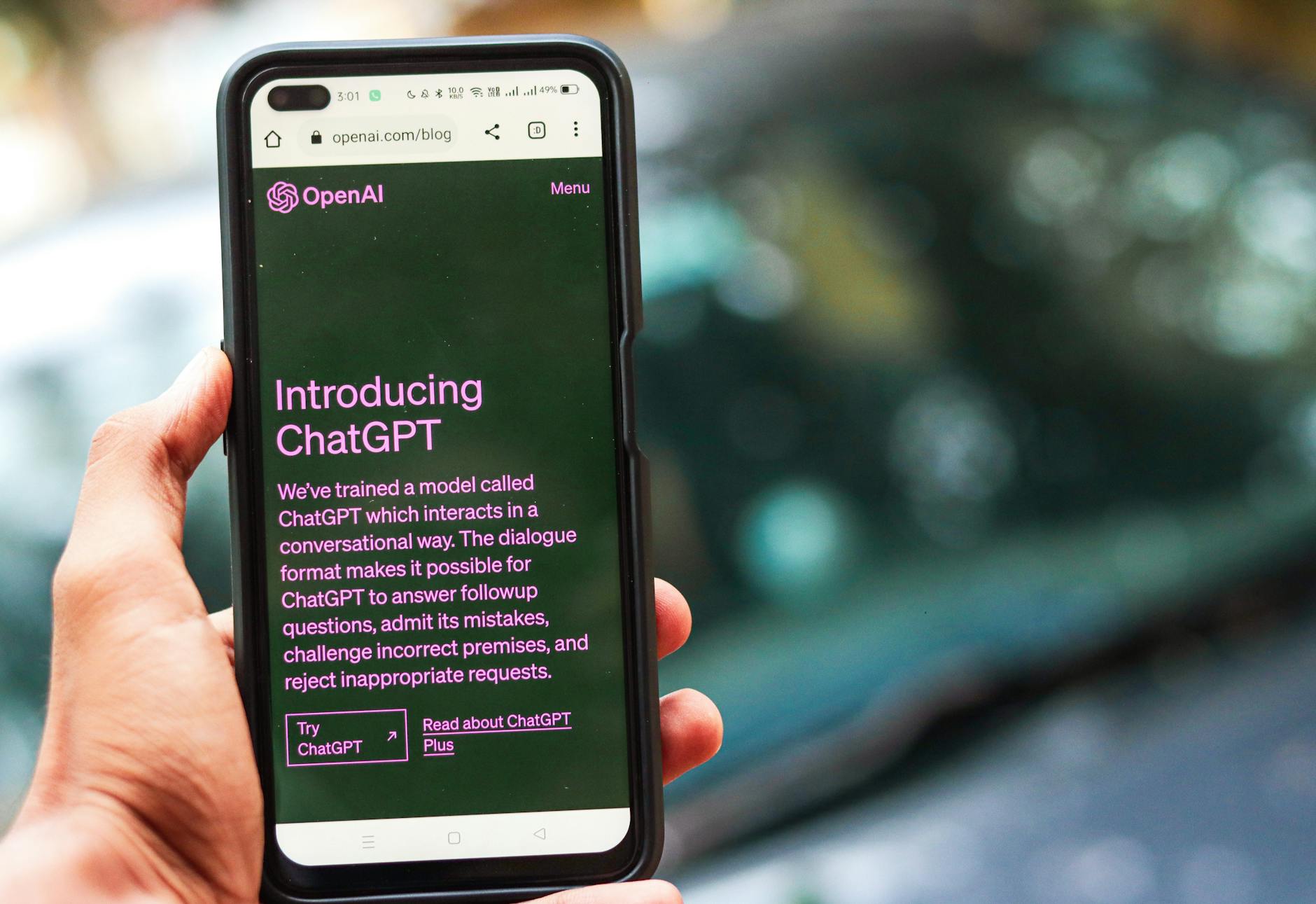
Photo by kenny cheng on Unsplash | Source
The elevator pitch: what people mean when they say "OpenClaw"
When people talk about OpenClaw, they usually mean an open-source, personal AI agent framework designed to run continuously (an "always-on" assistant) and to integrate modular capabilities — think email triage, scheduled actions, webhooks, and third-party integrations — rather than a single chat session. The promise: a local or self-hosted agent that you can extend, inspect, and adapt.
Key conceptual differences from hosted chatbots like ChatGPT or Anthropic’s Claude:
- Always-on versus session-based: ChatGPT-style services operate as conversational sessions you start and stop. An agent like OpenClaw is designed to run persistently, monitor inputs, trigger workflows, and act autonomously based on rules or goals.
- Extensibility and skills: Open-source agents emphasize modular "skills" or plugins you can add — small programs that handle specific tasks (calendar, GitHub PRs, file search, etc.).
- Control and observability: Running locally or on your cloud gives you more control over data, logging, and the exact models used, compared to fully managed chatbot services.
Core architecture (common model for agent frameworks)
Although implementations differ, many open-source personal agent projects share a similar high-level architecture. When people describe OpenClaw in public discussion, they usually reference these components:
- Gateway / Orchestrator
- Acts as the agent's control plane. It accepts goals or events, schedules tasks, routes requests to skills, and manages persistent memory and state.
- Skills (or plugins)
- Small, sandboxed units of functionality. Each skill knows how to perform a task (send email, query a database, run a script, call an API).
- Messaging channels & integrations
- Connectors for Slack, Discord, SMS, email, or browser extension messaging so the agent can receive prompts and notify you.
- Model adapters
- Abstractions letting the agent use different LLM backends (local open models like Llama-family forks or hosted APIs like OpenAI, Anthropic, etc.).
- Memory & tooling
- Retrieval-augmented memory, vector stores, and tool-use orchestration to let the agent act and remember context.
This gateway + skills + channels model is practical because it separates intent (what you want) from implementation (how the agent fulfills it).

Photo by Matheus Bertelli on Pexels | Source
How an always-on agent behaves differently in daily life
Imagine a few real-world scenarios that demonstrate the difference between a chat interface and an agent framework:
- Email and calendar triage: the agent scans incoming mail for urgent items, drafts suggested replies, and reschedules meetings when conflicts arise — acting on rules you approve.
- Developer workflows: it opens a PR, runs tests, summarizes failing logs, and posts a concise update to your team's channel with remediation steps.
- Monitoring and alerts: it watches webhooks, cloud metrics, or a news feed and performs conditional actions (escalate, open an incident, or run a diagnostics script).
- Personal automation: it summarizes your day each morning, drafts shopping lists from receipts, or nudges you about upcoming deadlines.
The common thread: an agent can proactively observe and act, not just respond when you prompt it.
The Moltbook story and creator news — what’s verified (and what’s not)
You may have heard two particularly viral items in community chatter: the "Moltbook" project that supposedly drove a lot of attention, and a report that OpenClaw's creator joined OpenAI. I want to be clear:
- There are verified case studies of small, viral open-source projects highlighting creative integrations (developers often build flashy demos that attract press and GitHub stars). Such demos can rapidly drive awareness for an underlying framework.
- I could not verify independent, authoritative sources confirming the exact Moltbook narrative or the employment move you mentioned for OpenClaw's creator as of 2026-02-27. Treat specific claims about star counts and personnel moves as unconfirmed until you see them on official channels (project repo README, verified social posts, or reputable tech news outlets).
If you have a specific link or citation to the Moltbook page or the announcement about the creator joining OpenAI, share it and I will fold it into the series and verify it for Episode 2.
Why developers are excited
Developers tend to light up about open-source agents for a few concrete reasons:
- Customizability: you can add skills, change the orchestration logic, and integrate with private systems.
- Local execution & data control: teams can host components behind corporate firewalls or on private clouds.
- Innovation velocity: open-source demos and small plugins iterate fast; community contributions can add powerful integrations quickly.
- Tooling parity: many projects provide templates and SDKs that reduce the integration overhead for new connectors.
Developers also appreciate that an extensible agent provides a sandbox for experimentation with model-augmented workflows without committing to a vendor's managed product.
Why non-developers care
Non-developers are excited because these agents can:
- Simplify repetitive tasks without needing to code.
- Centralize digital workflows (email, calendar, files, and task lists) under a single assistant that respects local control.
- Offer privacy-conscious alternatives to fully hosted solutions if projects support local hosting or enterprise deployments.
Good UX, easy-to-install skills, and clear safety guardrails are the three features that will determine whether mainstream users adopt an open-source agent.

Photo by Monstera Production on Pexels | Source
Real-world uses people are building today (verified patterns)
Below are practical, verifiable examples of how agent frameworks are being used — these are common patterns across many open-source agent projects:
- Automated code review and CI orchestration: agents annotate pull requests with suggested fixes and run the test matrix.
- Customer support triage: agents tag incoming tickets, draft responses for human approval, and escalate critical issues.
- Personal productivity: agents generate daily briefings, consolidate action items from meetings, and auto-fill timesheets.
- Data workflows: agents trigger ETL tasks when data thresholds are reached, summarizing results and alerting team channels.
These patterns exist in the wild across multiple projects; they are not unique to any single repo name.
Getting started (practical checklist)
If you want to explore an open-source agent like OpenClaw (or other community projects) consider this checklist:
- Find the canonical repo or project site. Look for official README, contribution guides, and licensing info.
- Check the model adapters. Decide whether you'll use a hosted model provider or a local model; confirm compatibility.
- Review security & sandboxing. Skills that execute code or call APIs must be sandboxed and auditable.
- Test with noncritical skills first. Start with read-only connectors (e.g., calendar view) before giving write permissions.
- Join the community. Active Discord/GitHub discussions are often the fastest route to help and integrations.
What to watch for in future episodes
This series will go deeper: Episode 2 will walk through installing and configuring a community agent instance; Episode 3 will cover building your first skill; Episode 4 will examine safety, privacy, and governance; Episode 5 will show real-world automation recipes.
If you want me to prioritize a specific platform, model backend, or a verified project for Episode 2, drop a link or a name and I’ll verify and tailor the next article.
Final takeaways
- "OpenClaw" as a concept fits into a broader, verified trend: open-source, always-on agent frameworks that combine a gateway, modular skills, and messaging/integration channels.
- Agents differ from chatbots primarily by being persistent, proactive, and extensible.
- Viral demos often bring attention to projects; always verify claims like star counts or personnel news against official sources.
- Whether you're a developer or a non-developer, these agents promise more automation and control — but responsible adoption requires attention to security, privacy, and observability.
Stay tuned for Episode 2, where we pick a verified community project and walk through a step-by-step setup. If you want me to cover a specific repo or confirm the Moltbook/creator stories, send the links and I will verify and include them.
Thanks for reading — and welcome to OpenClaw Mastery.
Frequently Asked Questions
Is OpenClaw a verified open-source project?
As of 2026-02-27 there is no independently verified, authoritative source I can point to that confirms all circulating claims about OpenClaw; treat specific stats or rumors as unconfirmed until you see them on official channels.
How does an always-on agent differ from ChatGPT or Claude?
Always-on agents run continuously, observe inputs, and can act autonomously using modular skills, whereas ChatGPT/Claude are session-based chat interfaces that respond when prompted.
Can non-developers use open-source agents safely?
Yes — but non-developers should start with vetted, read-only integrations and hosted or managed deployments to avoid accidental data exposure; look for projects with clear safety and sandboxing features.
What should I check before installing an agent?
Verify the repository's README, licensing, model adapters, security/sandboxing mechanisms, and community activity; run noncritical skills first and audit logs for unexpected behavior.


